
Creating A Moonwalk Scene With Photoshop CS6 3D

12.3K views 109 likes 42 comments

Your choices stick across every tutorial on this device.
Warning: Adobe has removed 3D from Photoshop. The 3D workspace used in this tutorial began to be retired in Photoshop 22.5 (August 2021), and the legacy 3D feature set was removed completely in July 2024. You cannot follow these steps in current versions of Photoshop. This tutorial is kept as a record of how the technique worked. For 3D work today, Adobe points people to Substance 3D.
Create This Awesome 3D Scene Using NASA’s 3D Models and Textures!
In this tutorial, you’ll learn to create a moonwalking scene using Photoshop CS6’s 3D features.
We’ll start out by creating a few simple shapes to create the Earth and the Moon’s surface; then we’ll bring in 2 NASA-designed 3D models.
NASA provides free 3D Modeling resources that we’ll be taking advantage of to create this moonwalking illustration. I have the files used in this tutorial available for download below, or you can go directly to them by clicking on the links at the bottom of this page.
In this tutorial, I’ll be skipping some of the basics to save time. I’m assuming that you’ve watched my other 3D tutorials (3D Chrome Text, 3D Picture Frame, and The Ken Burns Effect) so you should have a basic understanding of how 3D works.
If you get lost while watching this tutorial, I recommend watching my other 3D tutorials first and then coming back to this one.
Final Image

Links
NASA 3D Resources:
http://nasa3d.arc.nasa.gov/models
Earth:
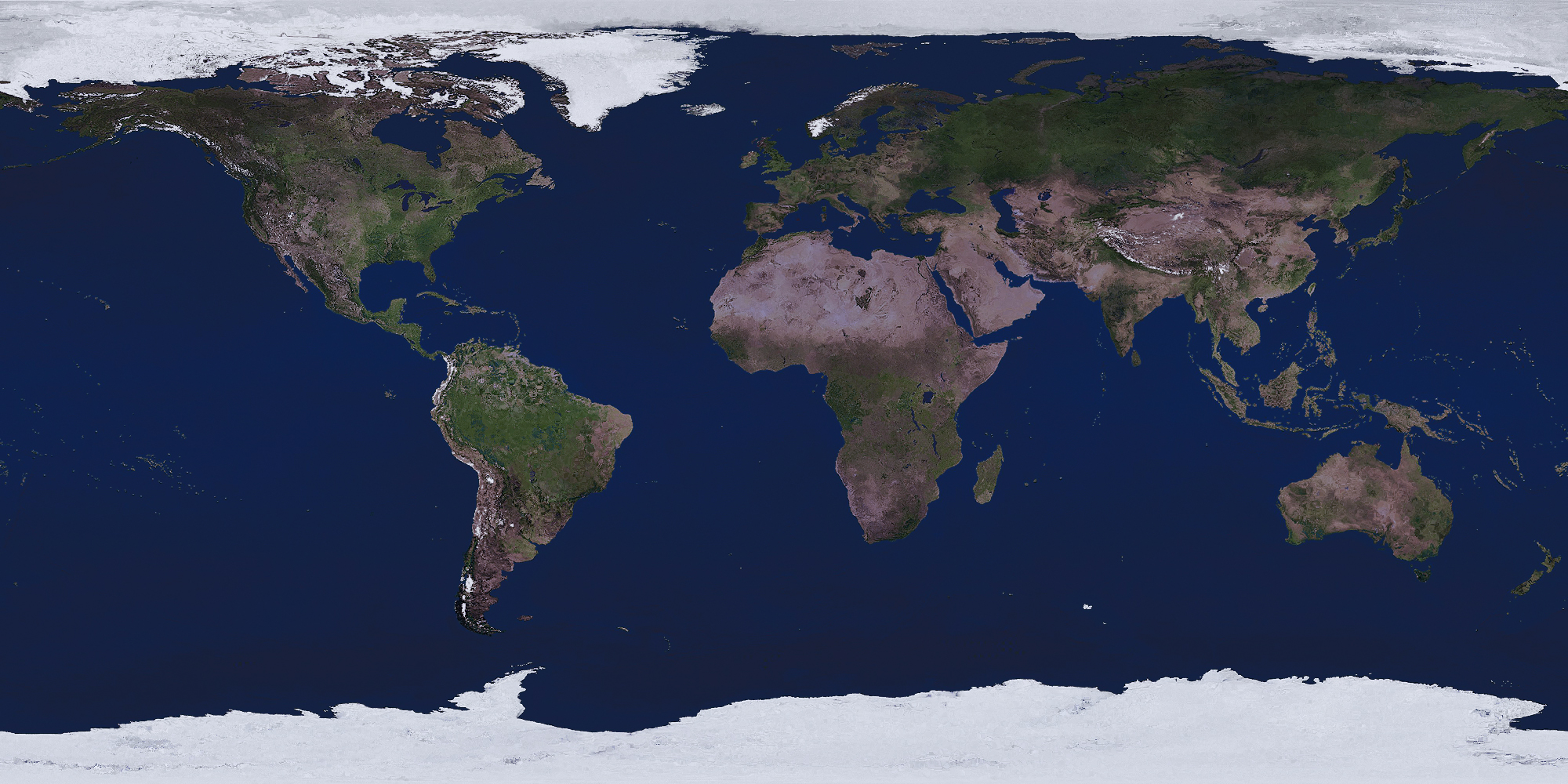
http://nssdc.gsfc.nasa.gov/planetary/image/earth_day.jpg
Earth Night:
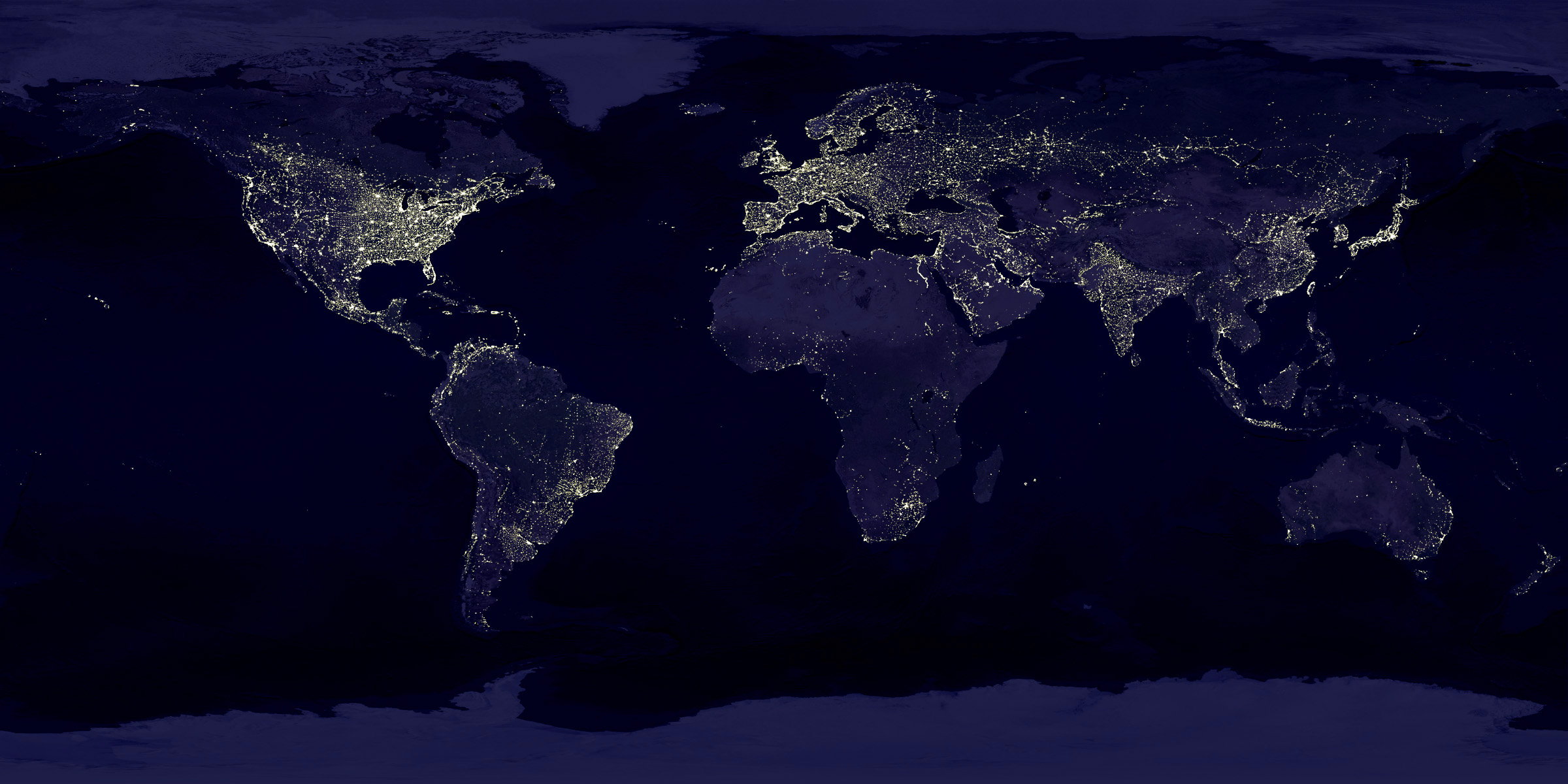
http://nssdc.gsfc.nasa.gov/planetary/image/earth_night.jpg
Earth Clouds:
http://visibleearth.nasa.gov/view.php?id=57747
Mark III Spacesuit:
http://nasa3d.arc.nasa.gov/detail/mkiii-suit
Apollo Lunar Module:
http://nasa3d.arc.nasa.gov/detail/lunarlandernofoil-c
If you enjoyed this tutorial, make sure to follow PTC on YouTube! And if you create something using this tutorial, share it on social media with the hashtag #PTCvids for a chance to get featured!

Selections and Masking Mastery
Complete course includes 2.5 hours of step-by-step lessons, 6 structured modules, downloadable practice files, and custom Photoshop brushes. Everything you need to master selections and masks in one place.


As always… Fantastic tutorial. Hopefully you keep doing them for a long time as I enjoy following them and I’ve learned so much from your videos. Your 3D tutorials are the best I’ve seen.
Thanks Garry! I have no intention of stopping anytime soon!
When I watched this one it did the beginning twice. It didn’t finish everything. I didn’t see how you finished the moon texture or some things on the space suit.
Well the AutoRecover works. PS CC crashed twice. Really have a problem selecting a whole model. If I select the lunarlande directly it chooses parts. Not a problem, just choose in 3D panel. Just seems to move funny. This might be too much for my computer. Scale Uniformly moves it closer and scales. Maybe that’s normal. I would expect it to scale in it’s position. Going to give it another shot. Save often and set AutoRecover to 5 minutes.
It could be a graphics card problem. I know I had similar issues, then I upgraded the drivers to my graphic card and it solved most my problems.
O you bad man. Could not figure out why my texture wasn’t updating, then remembered your other tut that after altering the psb you had to save it. Glad I did the other tut. LOL
This is really great stuff. I’ve had a folder of NASA stuff just waiting for this.
Glad you saw it too! Feel free to share your more of your images on my Facebook or Google + for others to see!
I could use a new card. Now when I add or change something the lunarlande jumps across the screen. I guess I wont add any more. LOL
What are you doing in the step where you straighten out the sample moon (ground plane- with black & white stripes). I’ve accidentally done it but can;t reproduce and it’s driving me nuts.
Hello JR,
I was trying to do a simple Puppet Warp animation with the Moonalk scene and it seems to cause no end of problems. Is it possible or better left to AE?